
Automation and AI
AI that works
in daily business,
not just in a demo.
We use AI where it measurably reduces workload: reading documents, pre-sorting enquiries, answering the phone. Embedded in your systems, controlled by your team.
All services




The problem
Why AI projects
get stuck.
Unclear benefit
People experiment, but nobody can say which work actually disappears.
No integration
A chat window next to the actual systems remains a toy. Results have to be transferred by hand.
Concerns about data
It is unclear which data goes where and who can see it.
Tied-up capacity
Calls, documents and standard enquiries tie up people who are needed elsewhere.
The solution
Let it suggest,
decide yourself.
AI reads, sorts and drafts. Approvals, decisions and anything with external effect stay with people.
Read and classify
Receipts, letters and attachments are read, summarised and suggested for a case.Pre-sort and prepare
Standard enquiries are recognised, sorted and given a draft reply.AI phone assistant
An assistant takes calls, answers recurring questions from your knowledge and creates a case.Questions to your own data
An assistant answers questions from your data, with sources and only within the permissions of the person asking.
In practice
Tasks that take
care of themselves.
Two examples of how AI connects your systems and takes over a process step by step.
Staff planning
- 01Sick note as the trigger
A sick note in time tracking starts the process. The affected shift is recognised as open.
- 02Advertised automatically
From the rota and qualifications the system finds who is eligible and advertises the shift internally.
- 03Application checked
When someone volunteers, the AI checks working hours, rest periods and qualification against your rules.
- 04Scheduled
If everything fits, the shift is assigned, the rota updated and everyone involved notified.
The open shift is filled before anyone in the office picks up the phone.
Material ordering
- 01Sale recorded
Every sale from the till or inventory system updates stock. Stock levels are correct in real time.
- 02Demand forecast
The AI recognises from usage, season and delivery times when material will run short.
- 03Order prepared
The order proposal with quantity and supplier is ready for approval. One click and it goes out.
- 04Stocktake at the push of a button
Because every movement is booked, stock is always known instead of counting for days.
Never too much or too little in stock, the stocktake happens on the side.
With AI
Built securely,
run in the EU.
From your data to the finished automation. On servers in the EU and with the models that fit your task.
- 01
Connect data
We pick up your data where it lives: from emails, documents, spreadsheets or your software.
- 02
Prepare and store
The data is organised, made searchable for the AI and stored encrypted in the EU.
- 03
AI processing
On servers in the EU the AI reads your documents, recognises connections and takes over recurring tasks.
- 04
Make it available
Results appear where you work: in a chat, in an app or in your usual programs.
Want to stay entirely in the EU? Then we build a fully local system on a server in Germany, for example an assistant that searches your documents. Your data and the AI model stay with you, nothing leaves the house.
- Server and database in the EU
- GDPR as the basis
- EU AI Act as the framework
- Local models: Gemma, Llama, Mistral, Qwen
Approach
Understand first,
then build.
- 01
Sharpen the use case
Which work should disappear, how often does it occur, what does it cost today?
ResultAn assessed use case
- 02
Define the data flow
Which data goes to which service, who sees what, where does a person decide?
ResultA documented data flow
- 03
Build it properly
Embedded in your systems, with logging and approval.
ResultA solution in the real process
- 04
Secure and operate
Check quality, monitor costs, refine.
ResultReliable operation
Results
What you get.
AI turns from a buzzword into a tool that takes work off your team. One example from daily work is Wieland OS with job and shift planning and an AI assistant.
We do not hand over a black box. After building it we check quality and limits, document the solution and train your team. Afterwards we stay on board, monitor operation and improve it. A good AI solution gets better over time, not worse.
- An assessed and prioritised AI use case
- A working solution in the real process
- A documented data flow including all services involved
- Documentation and onboarding, no black box
Case studies
Examples.
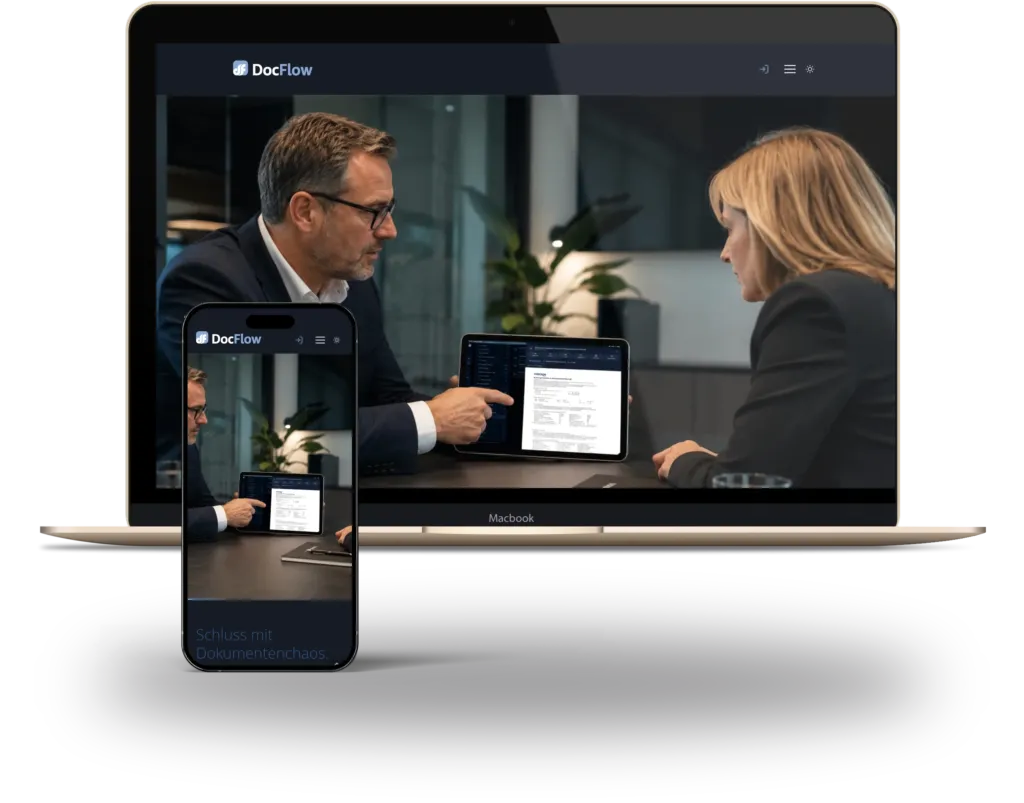 Own product · 2026
DocFlow. AI assistant for personal paperwork.
Our private digitalisation assistant: DocFlow recognises, names and sorts documents, files them in your own cloud, finds deadlines and answers questions with sources. It saves time with every single document.View case study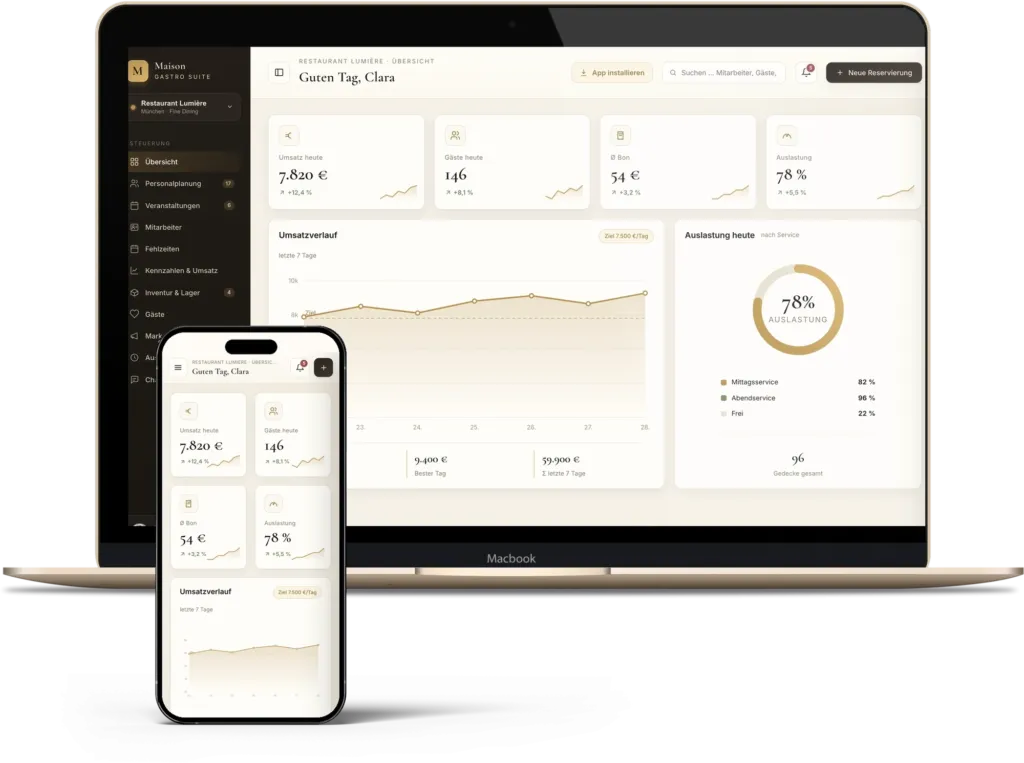 Demo, invented dataHospitality · 2024
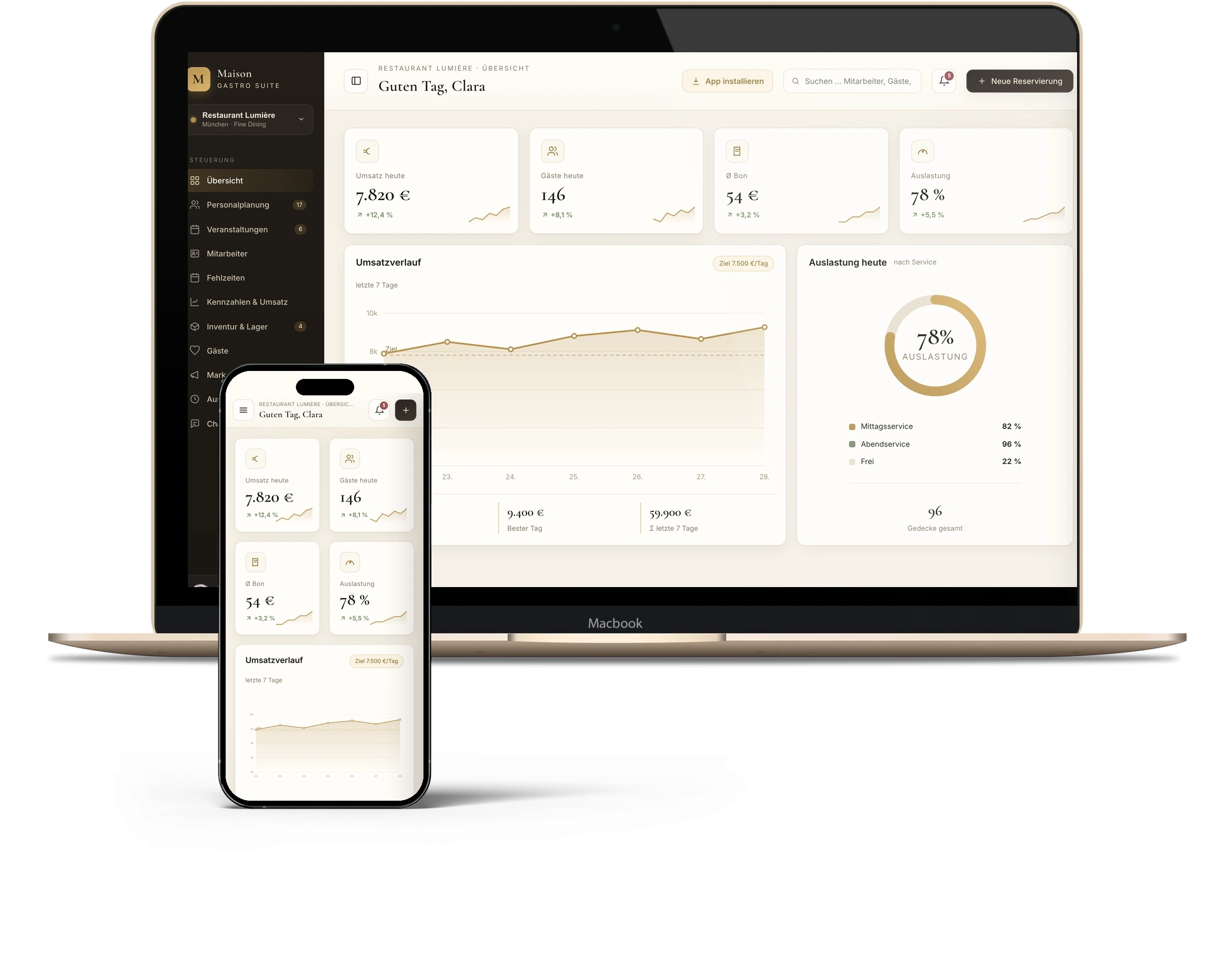
Restaurant. AI phone assistant and automated reservations.
AI phone assistant, reservations linked to the POS system, ordering by smartphone, digital vouchers and event enquiries for a restaurant with a large outdoor area.View case study
01Questions
Before you
decide anything.
Where does AI really pay off for mid-sized companies?
For recurring tasks with clear rules: reading and assigning documents, preparing standard replies, compiling reports, answering calls. Where experience, negotiation or responsibility are involved, we say honestly that AI is not the right answer.
How do you handle data protection with AI?
Before building, we define which data goes to which service, who sees it and where a person decides, and we document it. Where necessary we use services with processing in the EU or locally operated models. The legal assessment remains with you and your data protection advisers.
What does an AI phone assistant do?
It takes calls, answers recurring questions from the knowledge you provide and creates a case in the system. Your team gets a finished entry instead of a note on a scrap of paper.
Does the AI then decide on its own?
No. The AI prepares and suggests. You decide what runs automatically and what a person checks. After set-up we review quality and limits, document the solution and train your team.
Appointment
A similar process
in your company?
In a 30-minute initial call we clarify where the biggest lever is and what a first, manageable step looks like. Pick a free time right here. You receive a confirmation with a calendar entry and can move or cancel the appointment yourself.
Prefer to write? info@ibx-company.de
Choose a day for your initial phone call (30 minutes).
Loading your appointment …